What is a passphrase? Easy for people, hard for computers
As at 31 October 2026, Brisbane time. General information only.
We spent years making passwords hard for people to remember and easy for computers to guess. Swap a letter for a symbol, add a number on the end, and you get a password that ends up on a sticky note on the monitor.
A passphrase flips that round. It’s long enough to be much harder to guess, and silly enough to remember.
Logins are one of the things we help our managed IT clients get under control. Here’s the part anyone can do today.
October was Cyber Security Action Month, and this year’s theme was “Take a second. Stay secure.” (ACSC, 1 October 2026)
What is a passphrase?
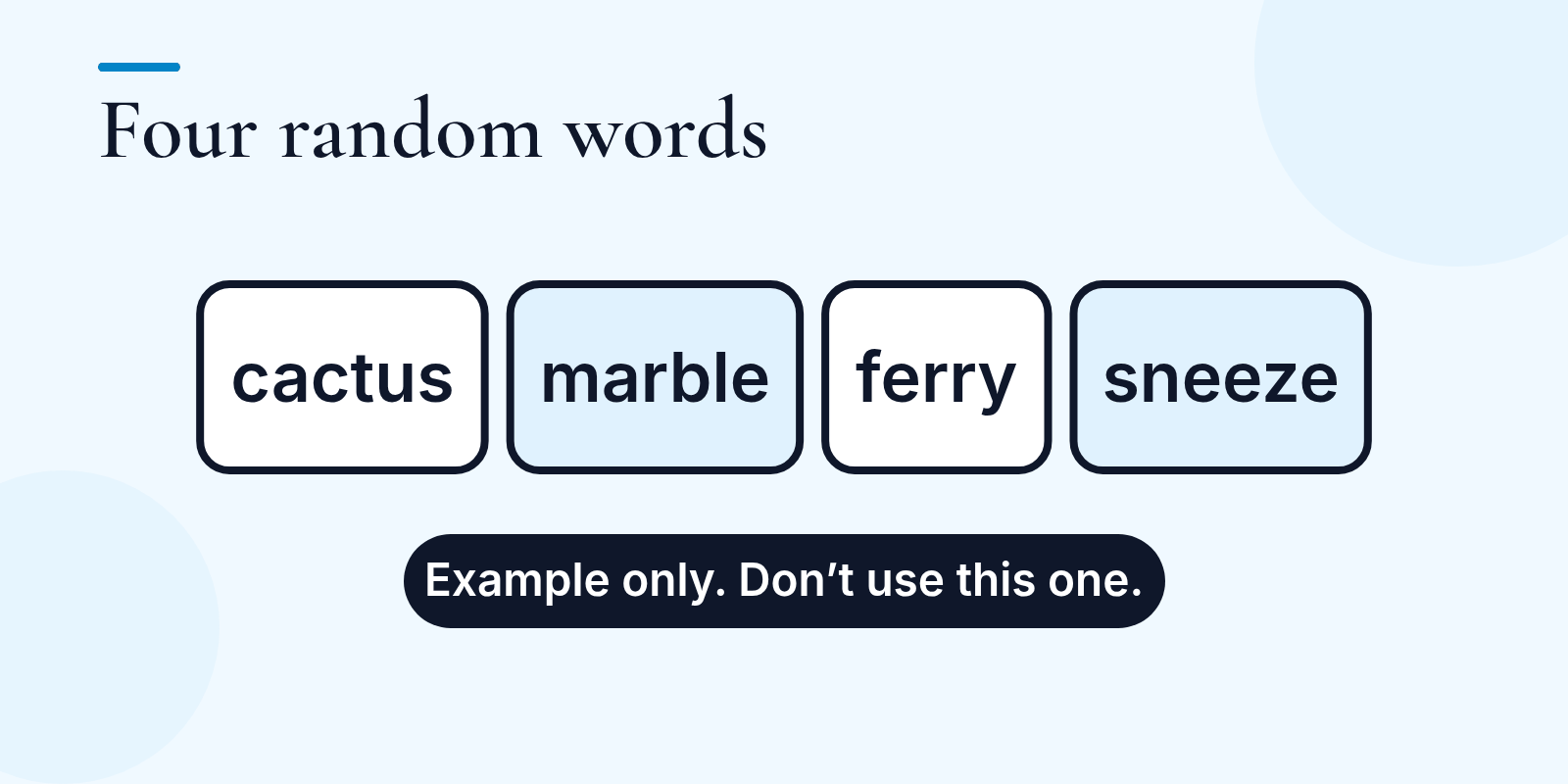
A passphrase is four or more random words strung together and used as your password.
Here’s an example, purely to show the idea (please don’t use this one, because it’s now on the internet):
cactus marble ferry sneeze
The word that matters is random. A passphrase isn’t a sentence, a saying or a song lyric. Those are memorable because lots of people already know them, which also makes them guessable. Pick words that have nothing to do with each other, or with you, your business, your pets or your footy team.
Why length beats cleverness
The old password rules made passwords hard for people to remember and easy for computers to guess. A short password full of symbols looks clever to us, but a computer doing the guessing isn’t impressed by cleverness. It’s slowed down by length.
As at 31 October 2026, the Australian Cyber Security Centre (ACSC) says that if an account uses a password, it should be at least 15 characters long and unpredictable, using a random mix of words.
How long should a passphrase be?
Aim for four or more random words, of at least 15 characters in total. Our example above has 23 letters before you even count the spaces.
One per account
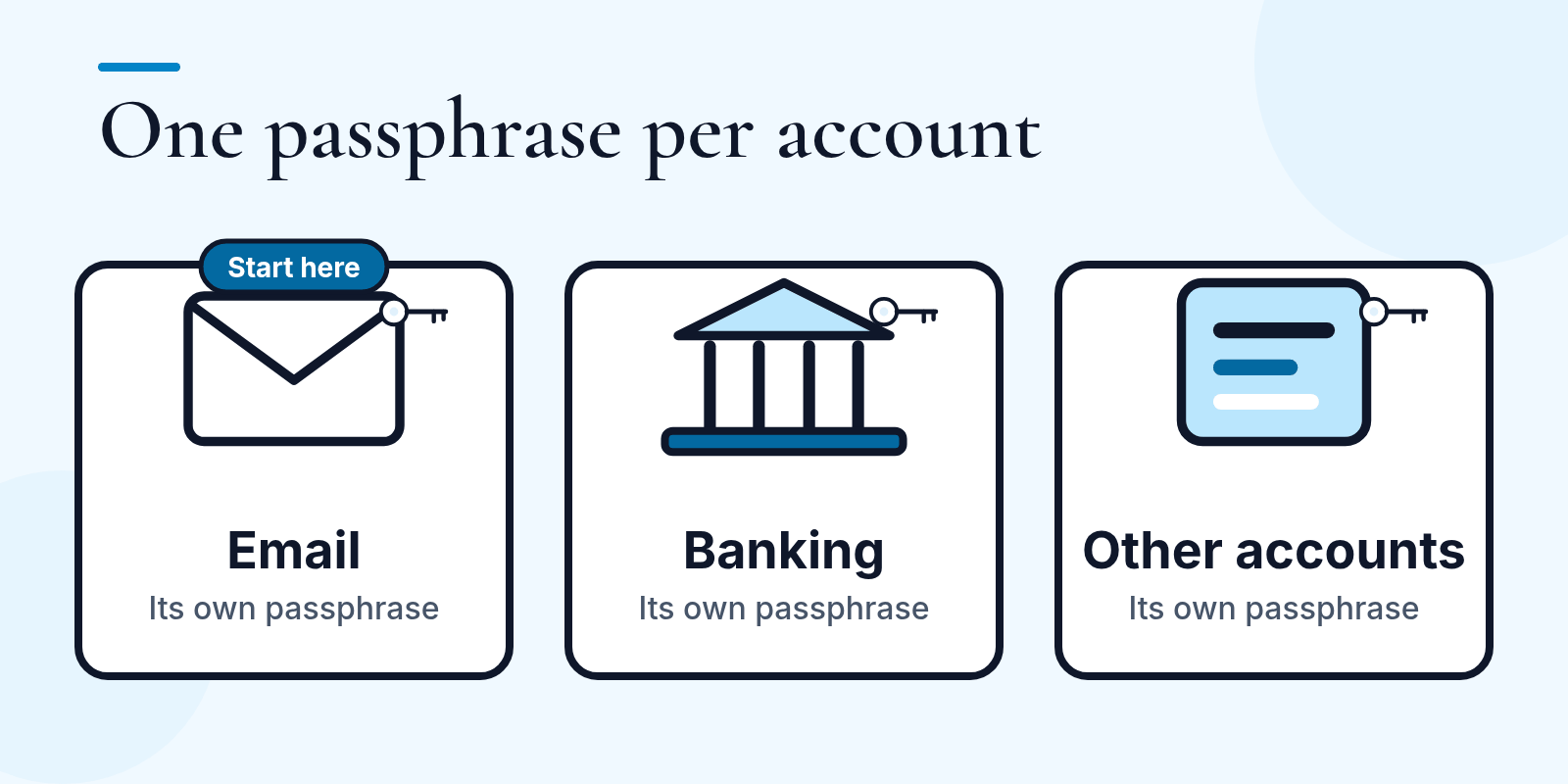
Use a different passphrase for each important account. That way, if one password leaks, it can’t simply be reused to get into your other accounts. A password manager can keep track of them for you, and then you only need to remember the one that unlocks it.
Where to start: your email
You don’t have to change everything this afternoon. Start here:
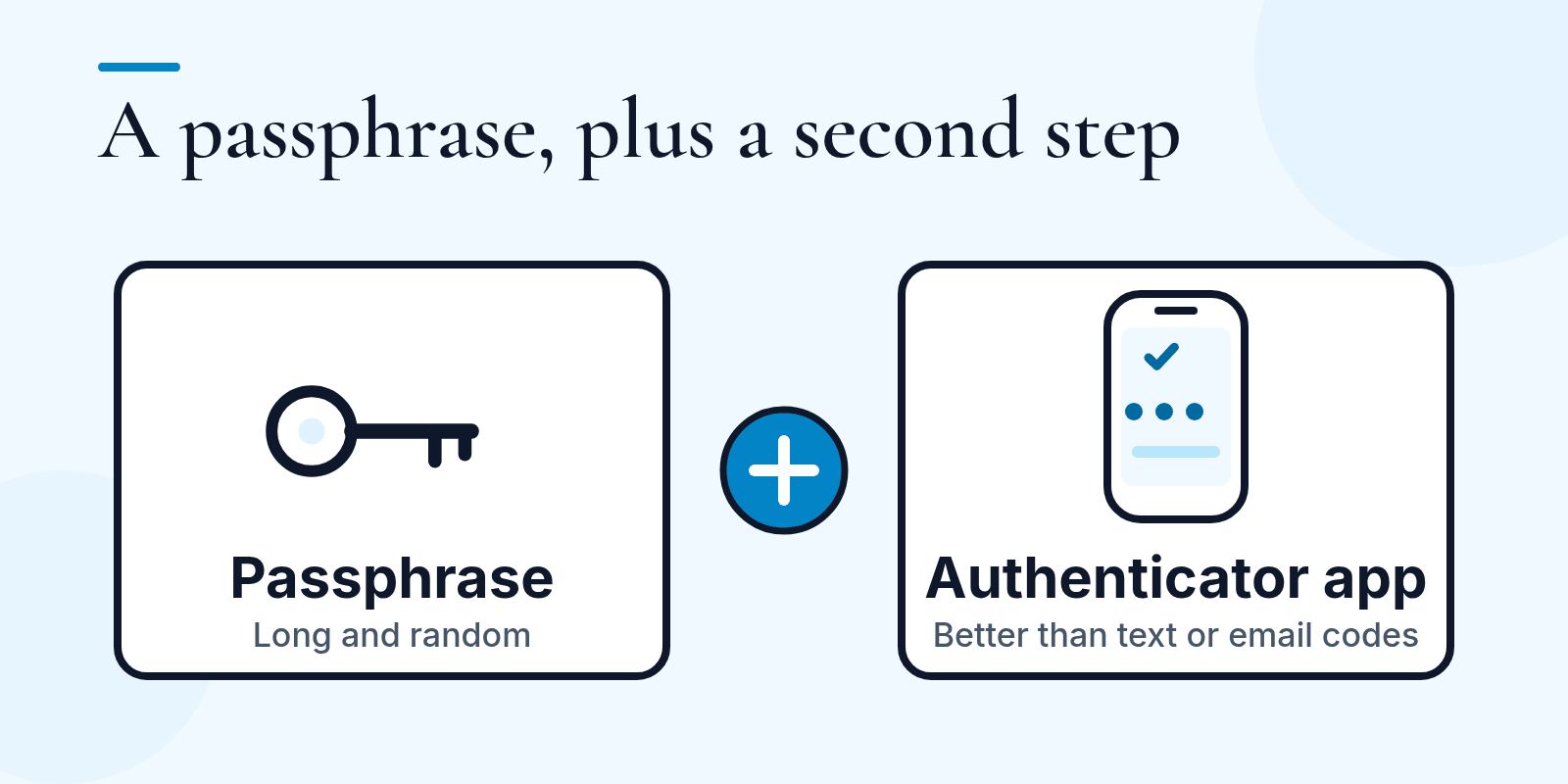
- Turn on multifactor authentication, starting with your email. That usually means a code on your phone as well as your password, so someone who only has your password has a much harder time getting in. Start with email, because your email is usually where password reset links for your other accounts get sent. If you get a choice, pick an authenticator app: ACSC calls codes sent by text message or email the least secure option.
- Give your email its own passphrase. Then work through your other important accounts, like banking.
What about passkeys?
Some accounts, including many email providers, now offer passkeys. A passkey lets you sign in with your phone or computer’s fingerprint, face or PIN instead of typing a password, and it’s much harder for scammers to trick out of you. If your email offers one, it’s worth turning on. Use a passphrase for accounts that don’t.
Passphrase FAQ
What is a passphrase?
Four or more random words strung together and used as a password. Random words, not a sentence, a saying or a song lyric.
How long should a passphrase be?
At least 15 characters in total, using four or more random words.
Passphrase or password: which should I use?
A passphrase is a kind of password, so you can use one wherever a site lets you set a password that long. For your important accounts, it gives you the length and is easy enough to remember without writing it down. If a site insists on a number, symbol or capital letter, you can add one to your passphrase. Keep it long. Where multifactor authentication or a passkey is offered, turn that on too.
Want a hand with your business logins?
Rather have help setting up your business logins properly? Tell us what’s bugging you and we’ll tell you what’s involved. Contact us, email contact@techtroubleshooters.com.au, or call Carisa on 0448 017 919 or Kelly on 0429 727 091.
Sources: ACSC, Take a second to stay secure this Cyber Security Action Month, 1 October 2026; ACSC, Personal cyber security handbook, 7 October 2026, chapters on multifactor authentication, passkeys and passwords. Read 31 October 2026.