Cyclone season checklist for Townsville: the ten second jobs that slip, from Tech TroubleShooters
Cyclone season starts on 1 November.
Plenty of us in Townsville and North Queensland have done this enough times to know the drill. We prepare for the risk we can see: the water, the tape and the tinned food. The IT jobs below are for the one we can’t. It’s the ten second jobs that slip, the small ones that only come to mind once the power’s out.
So here they are, in one place.
When is cyclone season?
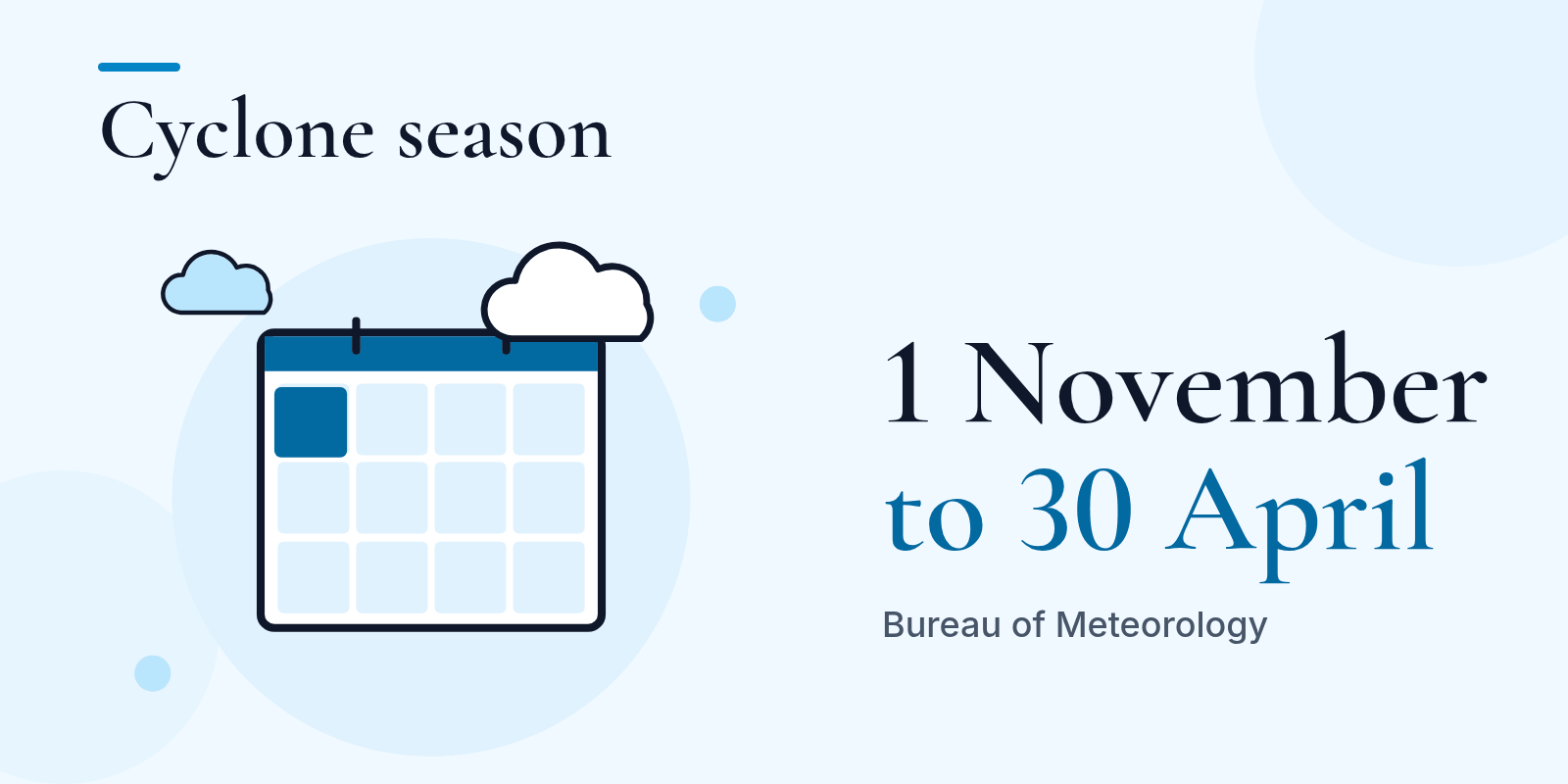
As at 31 October, the Bureau of Meteorology says Australia’s tropical cyclone season runs from 1 November to 30 April. (Bureau of Meteorology: tropical cyclone knowledge centre)
Your cyclone season checklist
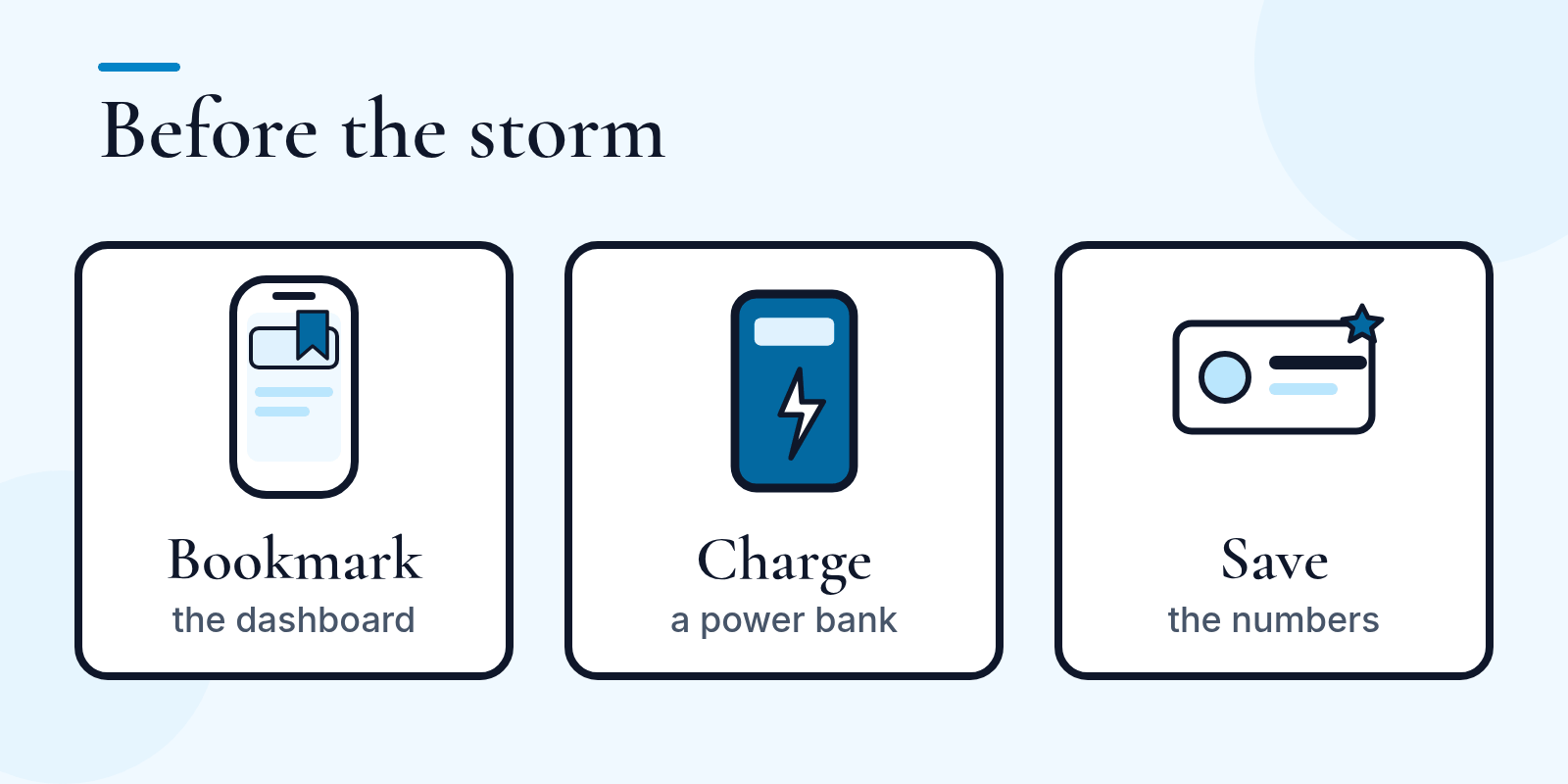
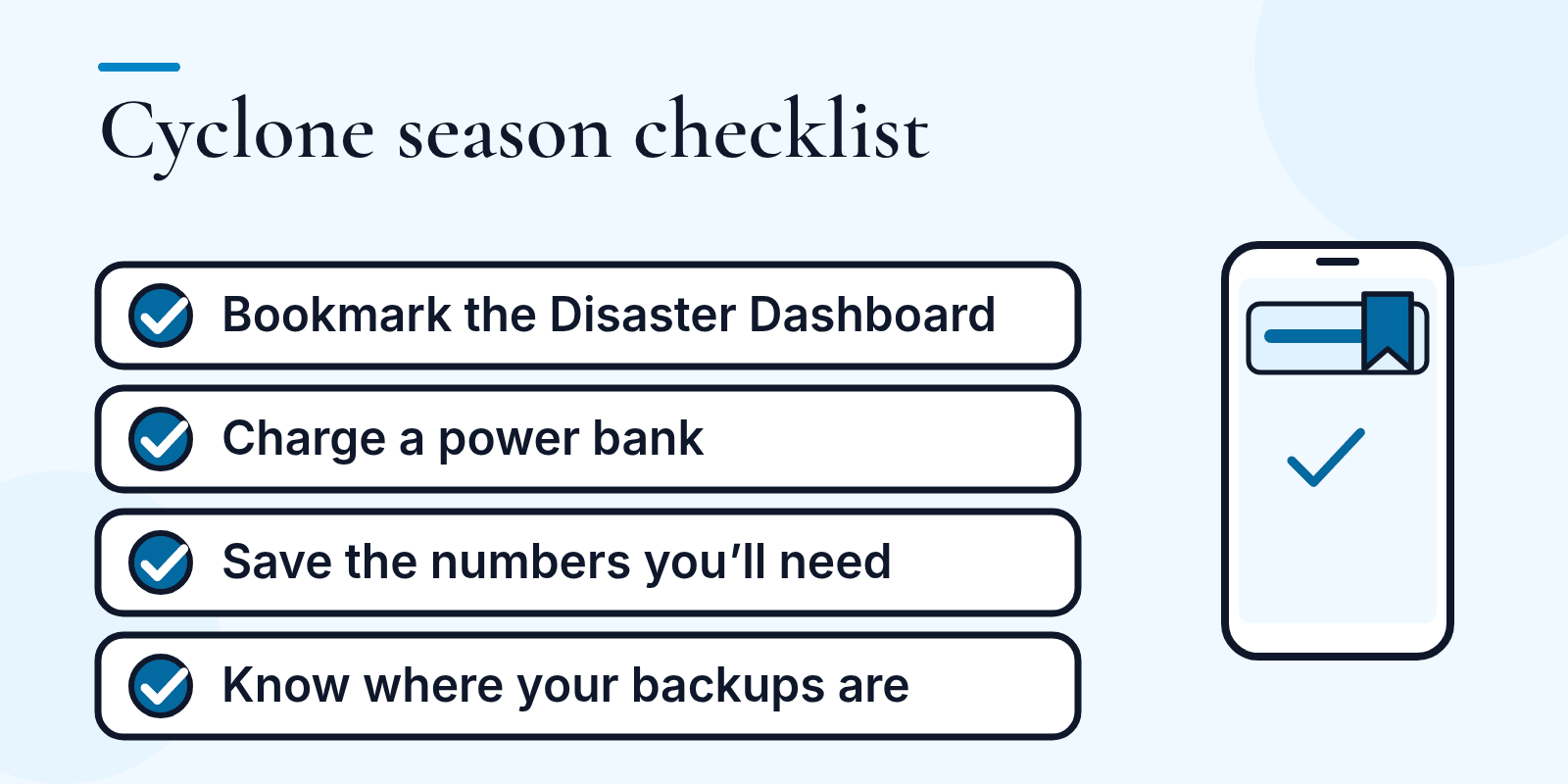
- Bookmark Council’s Disaster Dashboard on your phone. Townsville City Council calls it “the single source of truth during emergencies”. Here it is: Townsville Disaster Dashboard. (Source: Townsville City Council media release, 4 March 2026)
- Have Council’s Get Ready Townsville guide handy. It’s worth a read before the season gets going.
- Not in Townsville? Get Ready Queensland has a search to find your local council’s disaster dashboard, so you can save it to your favourites. (Get Ready Queensland: find your local council)
- Charge a power bank, and keep it charged. A phone with a flat battery can’t show you the dashboard.
- Save the numbers you’ll need. Family, neighbours, your insurer, and anyone your business relies on, saved in your phone before you need them.
- Know where your business files and backups are kept. If you’re not sure where they are, or how you’d get them back, that’s worth finding out on a quiet day. The IT jobs below show how.
Your business’s memory: the IT jobs for cyclone season
Most of us prepare for the risk we can see: water, tape and tins. The most valuable thing in your office doesn’t blow away. It just quietly stops working. Your files, emails, bookings and phone numbers are your business’s memory, and a few small jobs now look after it.
Before the storm
-
Test your backup by restoring a file. A backup is only a rumour until you’ve restored from it. Pick one file, restore it and open it. Keep one copy somewhere other than the building, such as in the cloud, so it doesn’t share the fate of the computer.
-
Add surge protection, and a UPS if you can. A UPS is a battery that keeps equipment running for a short time. It buys you a few minutes to save your work and shut down properly, not to keep working through an outage.
-
Charge everything. Phones, laptops and power banks.
-
Forward your phones. Ask your phone provider how to send your business number to your mobiles, then test it with a call.
-
Keep a printed page, somewhere locked. List your internet provider, phone provider, insurer and IT support numbers, plus who holds the access to your key accounts. Leave passwords off it.
-
Photograph your equipment. Take photos of the gear and its serial numbers for insurance, and store them somewhere other than the office.
When a cyclone warning is issued
-
Unplug and lift. When a cyclone warning is issued, the Queensland Government advises you to unplug all electrical items, aerials and computer modems. Shut computers down properly first, and raise equipment off the floor if you can.
As at 31 October. Source: Queensland Government, Cyclones and severe storms. © State of Queensland, CC BY 4.0.
After the storm
-
In an emergency call 000. For storm help call the SES on 132 500.
-
If equipment got wet, leave it off. The Queensland Government says not to use electrical appliances that have been wet until they are checked for safety. Don’t test it yourself. Have a licensed electrician check it first (you can check a licence on the Electrical Safety Office’s Electrical Licence Search). Once it’s safe, we can help with your data.
As at 31 October. Source: Queensland Government, Cyclones and severe storms.
-
Be wary of relief scams. The Queensland Government says fake charities and fundraisers have taken advantage of public generosity after past disasters. Before you donate, check the charity is registered (the Queensland Office of Fair Trading has a search). Our own general advice: be careful with unexpected texts and emails about relief or donations, and go to the charity’s own website instead.
As at 31 October. Source: Queensland Government, Charity scams.
A backup you’ve never restored is a hope, not a plan. If you’d like a hand, we can check that one of your backups restores, or, if you have one of our cloud phones, set up call forwarding, before the season gets going. Your call.
Part of a bigger plan
These small jobs sit alongside the bigger ones. As at 31 October, Council’s March 2026 media release encourages people to have a plan for their household and business, including evacuation routes and how to protect property. For a business, that’s where a business continuity plan comes in: knowing how you’d keep going if the office was closed for a few days.
Cyclone season IT questions
How do I know my backup will work after a cyclone?
A backup only counts once you’ve restored from it. Pick a file, restore it to a different spot and open it. Then check there is a second copy somewhere other than your office, such as in the cloud.
Should I unplug my computer and modem when a cyclone warning is issued?
When a cyclone warning is issued, the Queensland Government advises you to unplug all electrical items, aerials and computer modems. Shut computers down properly first, and raise equipment off the floor if you can.
What should I do if my computer gets wet in a storm?
Leave it off. The Queensland Government says not to use electrical appliances that have been wet until they are checked for safety. Don’t test it yourself. Have a licensed electrician check it first. Once it’s safe, we can help with your data.
Questions about your business files or phones? Call Carisa on 0448 017 919 or Kelly on 0429 727 091, or email contact@techtroubleshooters.com.au.
Look after each other this season, Townsville.